
Your data won't disappear with the computer
Stored in secure TIER 3 data centers, not on your PC
Your old software sits on one PC: if it breaks, gets lost or stolen, your data goes with it. Paloma365 keeps everything in the cloud — sales, stock and reports open from your phone, tablet or laptop, anywhere in the world. Data migration is free and setup takes one day.
From $9/month billed annually (or $11/month). POS, inventory and analytics are included in the plan — no extra charges per module. Full pricing is on the Pricing page.
Leave a request — we'll migrate your data and launch in one day
Stored in secure TIER 3 data centers, not on your PC
New versions arrive automatically — no separate payment
Remote setup in one day — no in-house programmer or server
From $9/month billed annually — no hidden module fees
All data on a single PC at your location
Data in data centers, access from any device
Your entire sales and stock database lives on one device. With no cloud backup, there's nothing to restore from.
New version, new feature, new legal requirement — you pay again and wait for installation.
Reinstalling, updating or fixing a crash is impossible without a specialist — and they're not always available.
Leave the location and you're blind: no sales, no stock, no revenue in sight.
The software is locked to one PC; changing devices or adding a location means a whole migration-and-licensing ordeal.
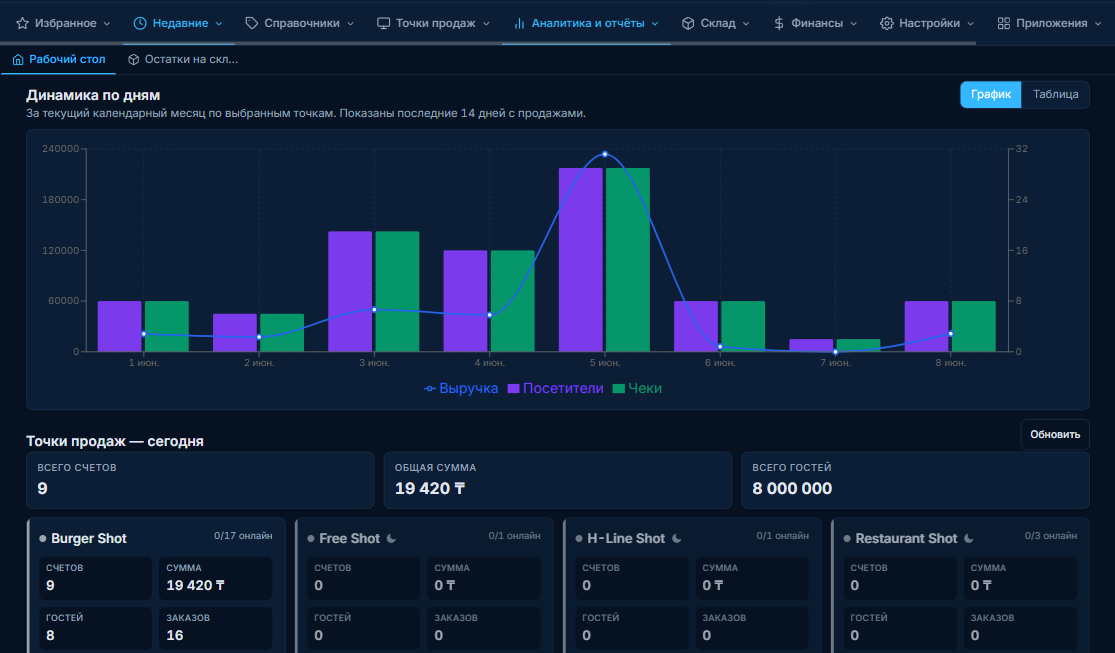
Log in with your username and password from a phone, tablet or laptop. The Paloma365 Boss app shows sales and revenue right on your smartphone, even when you're away from the location.
Laptop, tablet, smartphone, POS terminal or a bank payment terminal — Windows, Android, iOS. No special equipment to buy.
Offline mode never stops sales; once the connection is back, every receipt syncs to the system automatically.
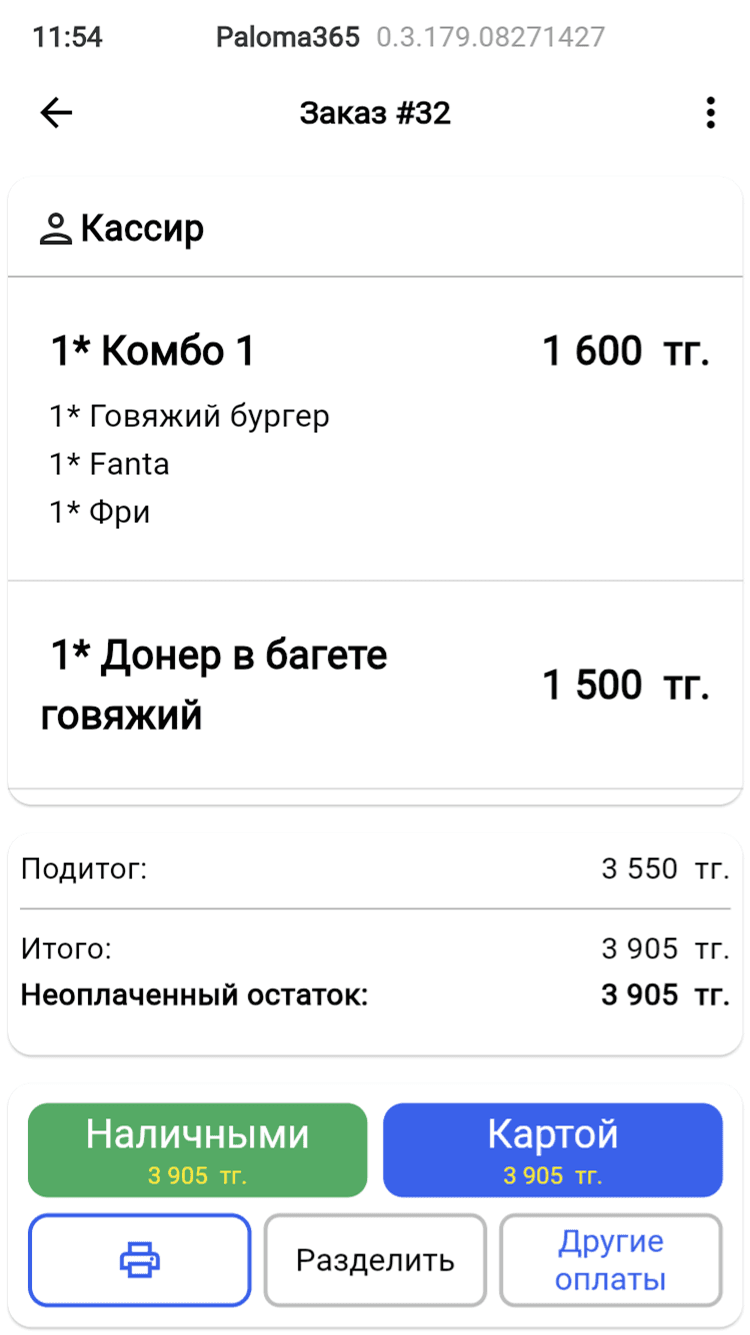
For example, a waiter splits a bill between guests right in the app — the system recalculates the amounts itself. Nothing to program — you just use it.
The system works with bank payment terminals and payment providers and prints fiscal receipts according to your market's rules. Our specialists handle the setup during your free launch.
Switch from any system — there's already a ready solution for your business.
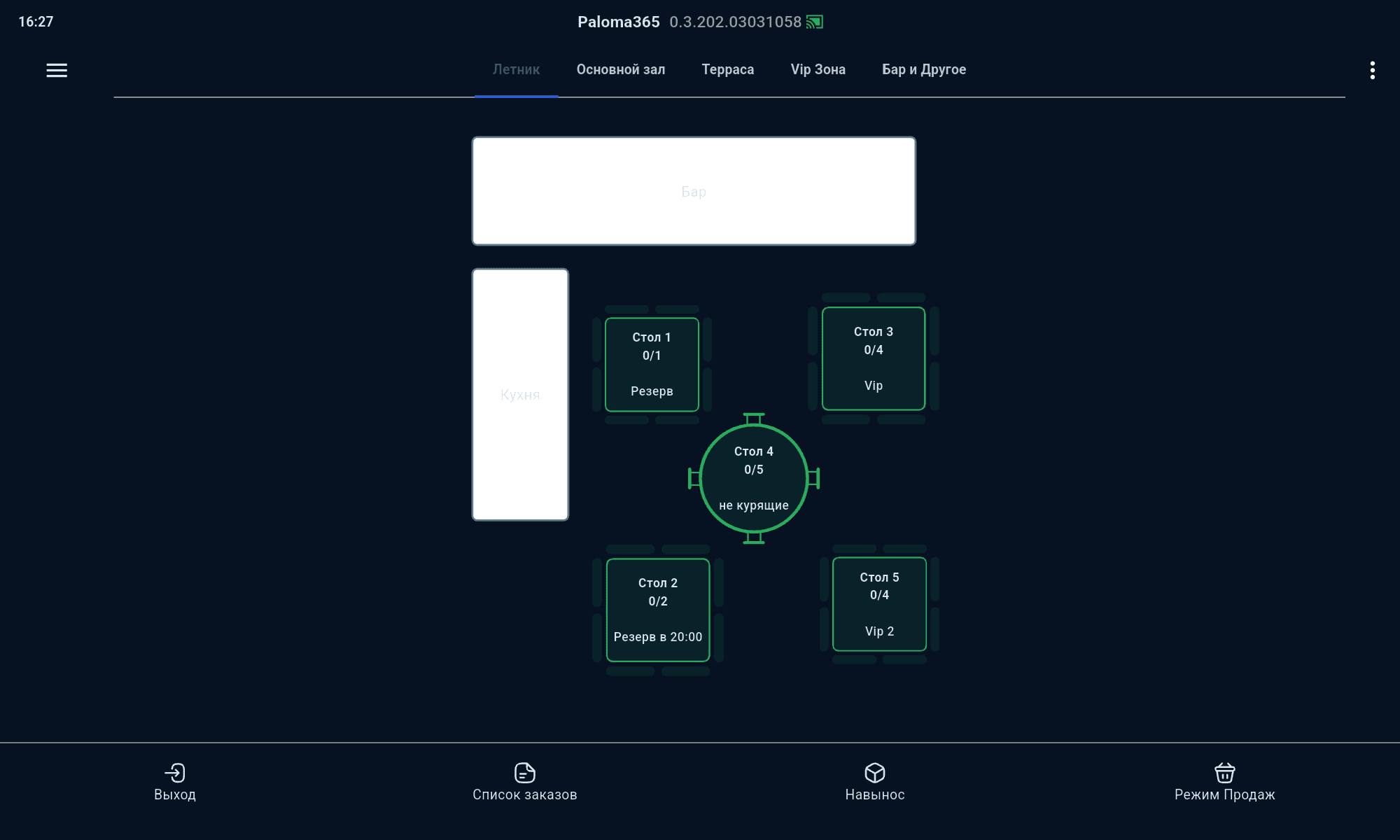
Tables, bill splitting and a kitchen screen
Learn more →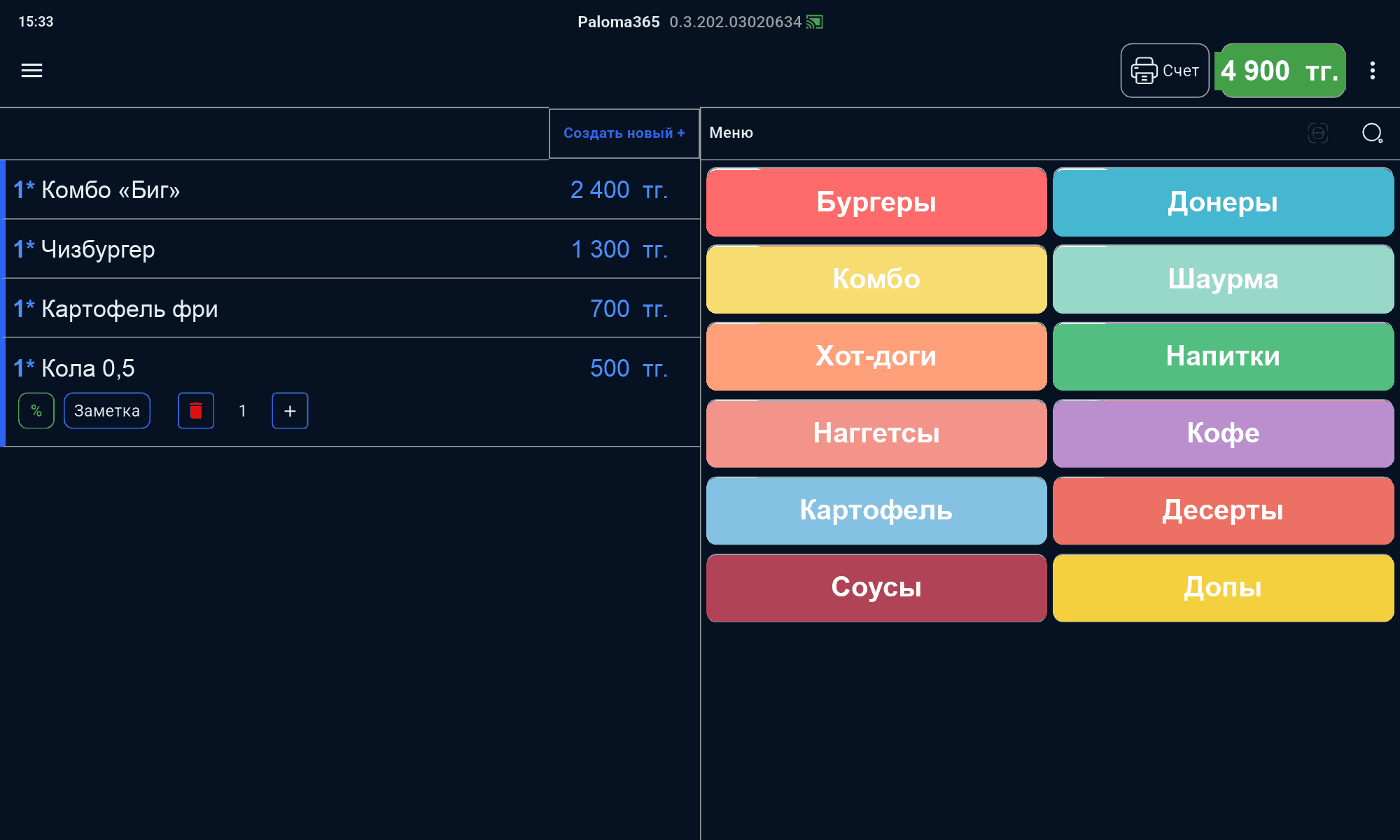
Fast receipts and a self-service kiosk
Learn more →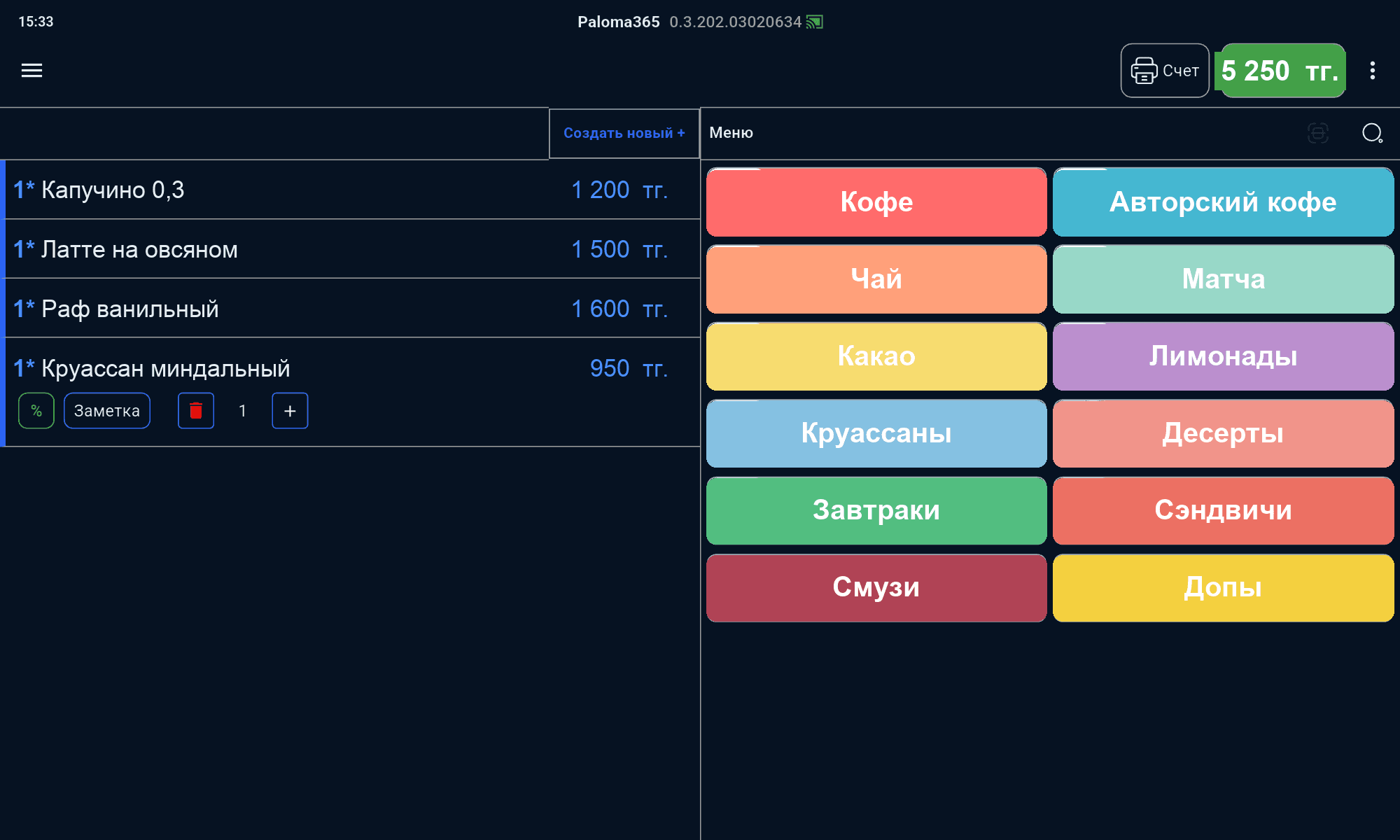
Drink modifiers and loyalty
Learn more →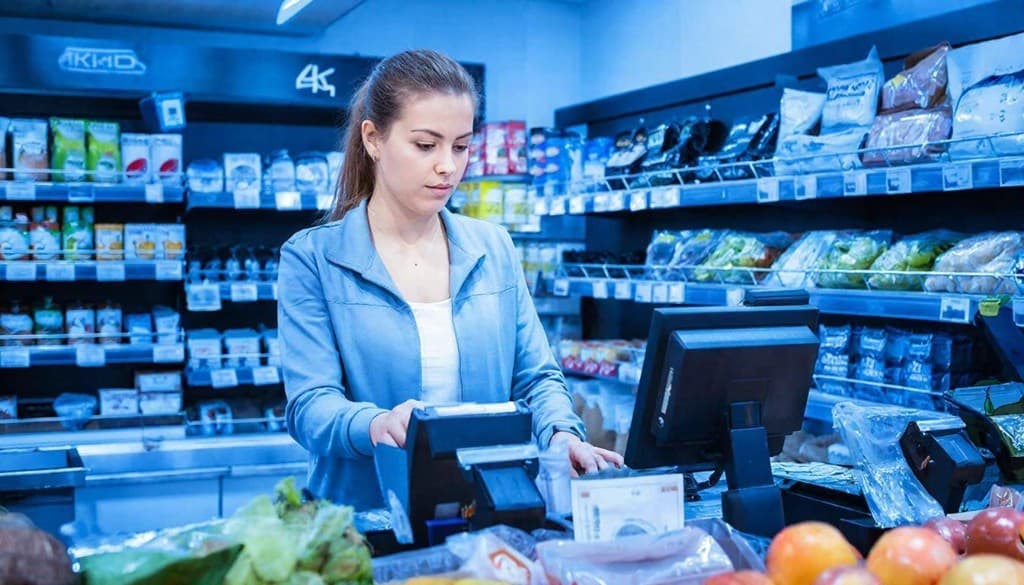
Inventory control and fast sales
Learn more →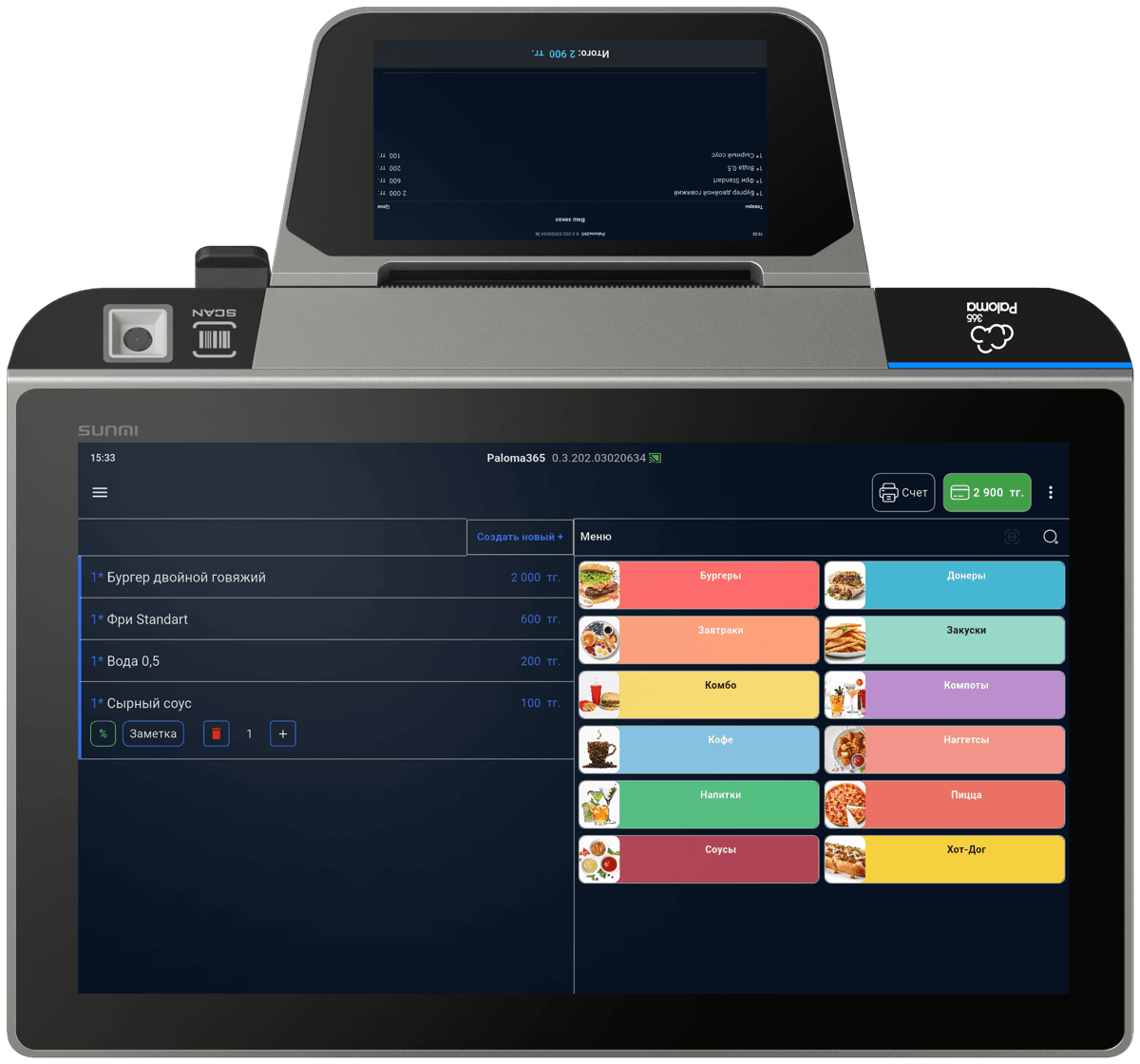
Weighted goods and stock control
Learn more →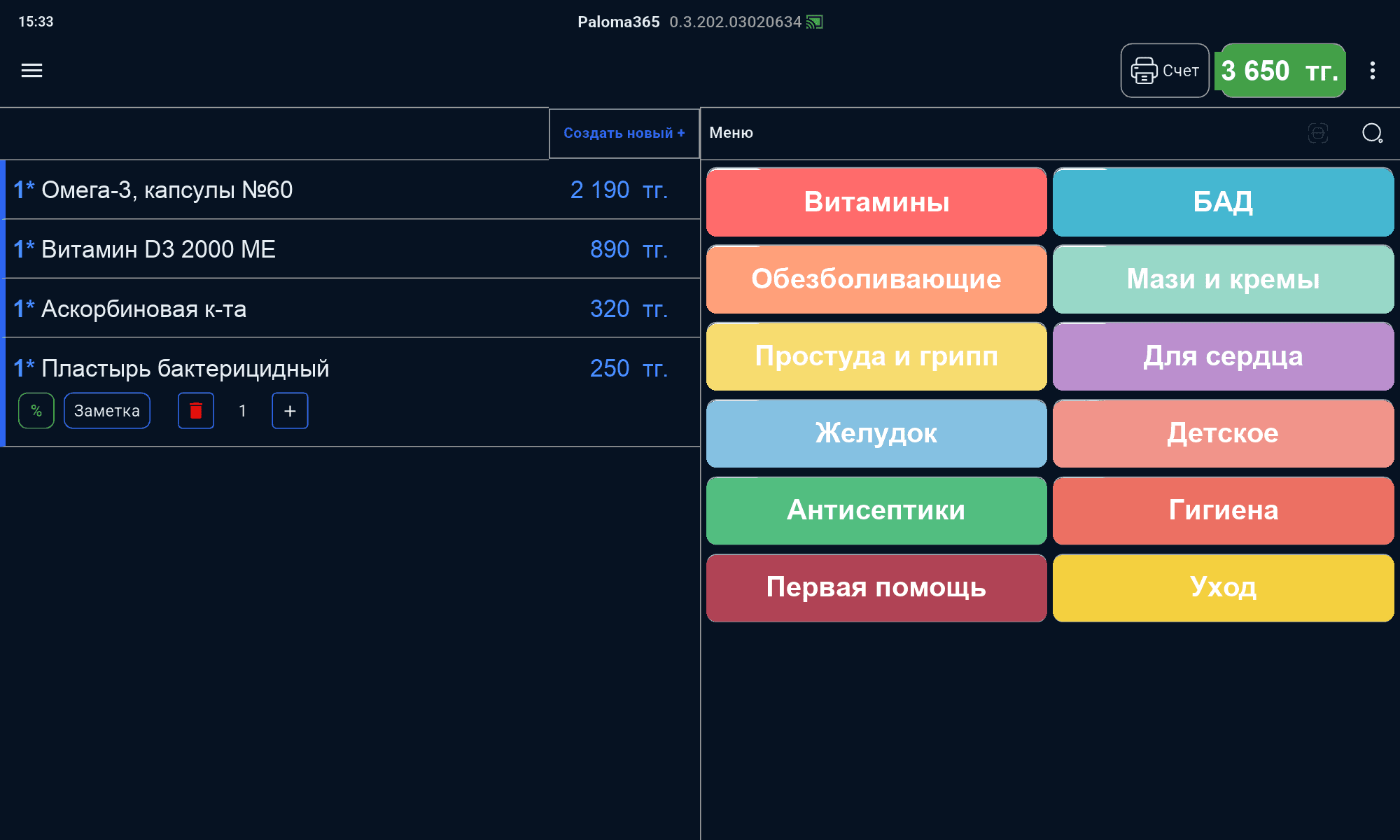
Product accounting and a drug database
Learn more →
Booking, services and a client base
Learn more →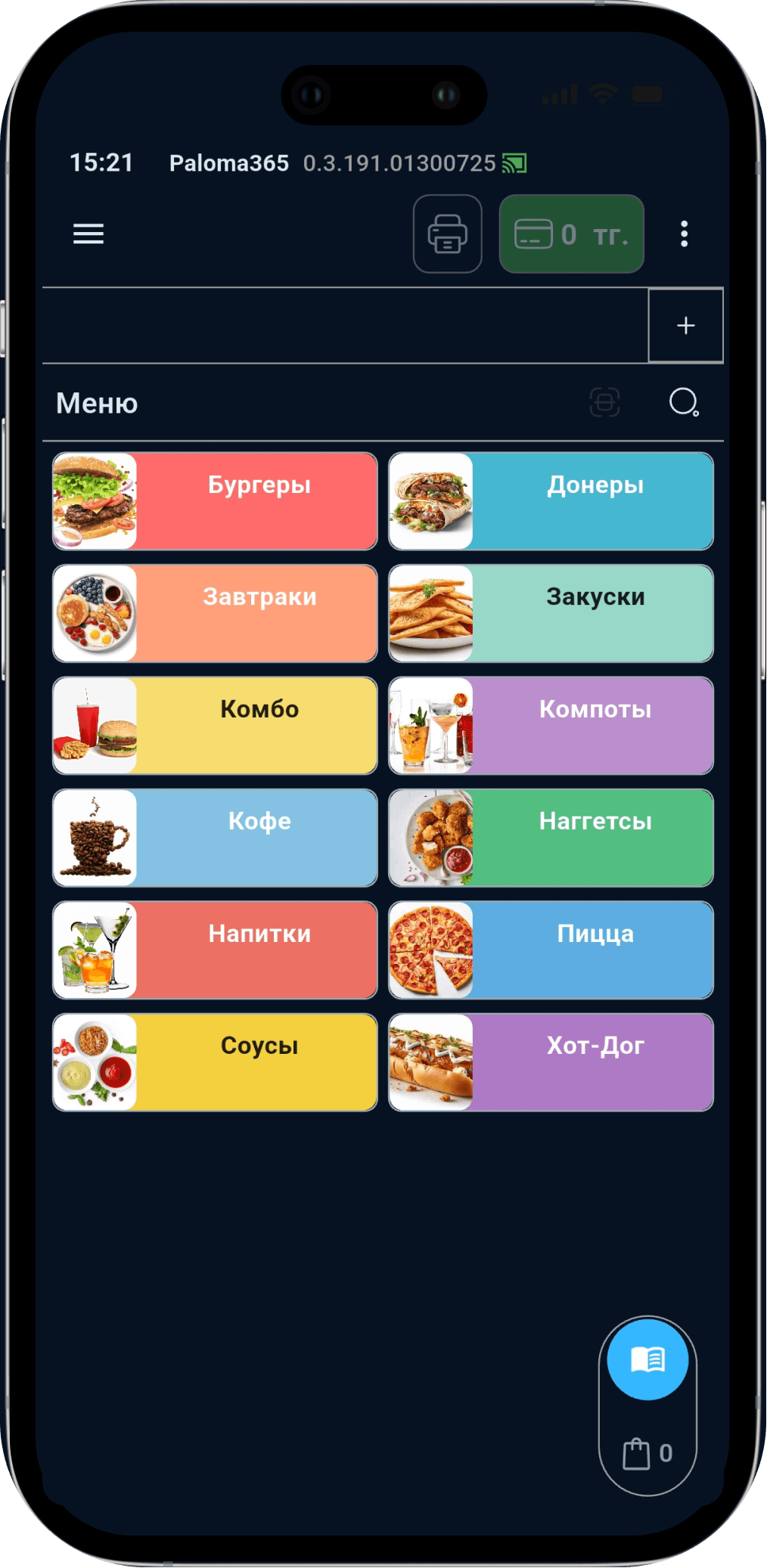
Take orders at the table from a smartphone
Learn more →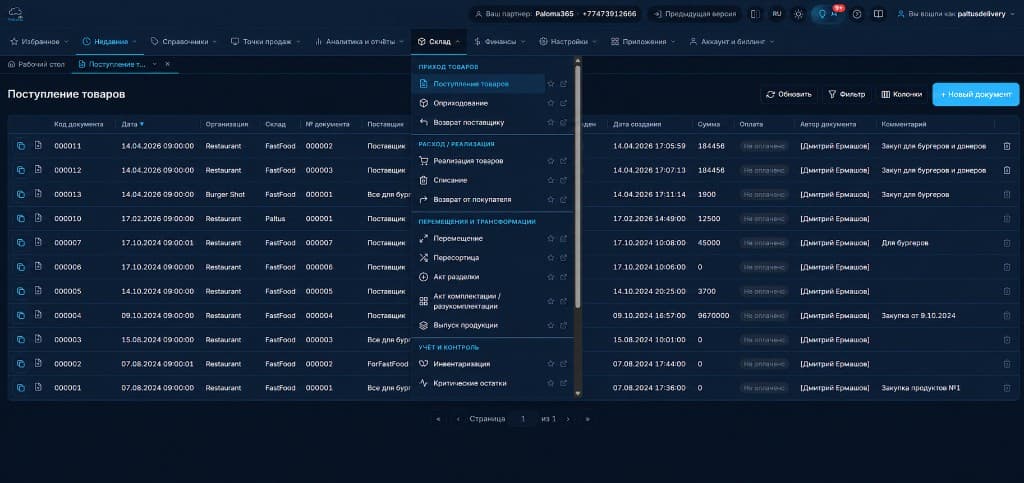
Supplies, inventory and cost price
Learn more →At minimum everything your current software does, plus the cloud. All included in the plan — no extra charges per module.
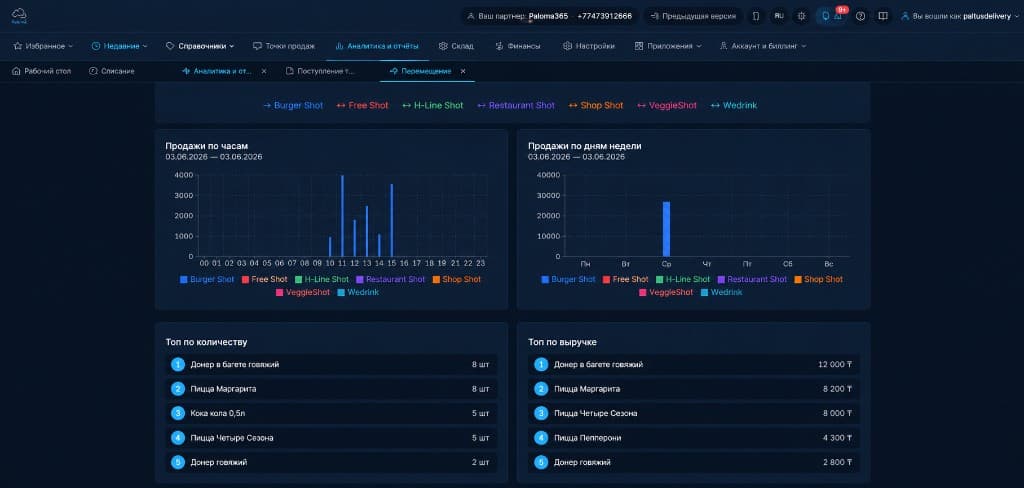
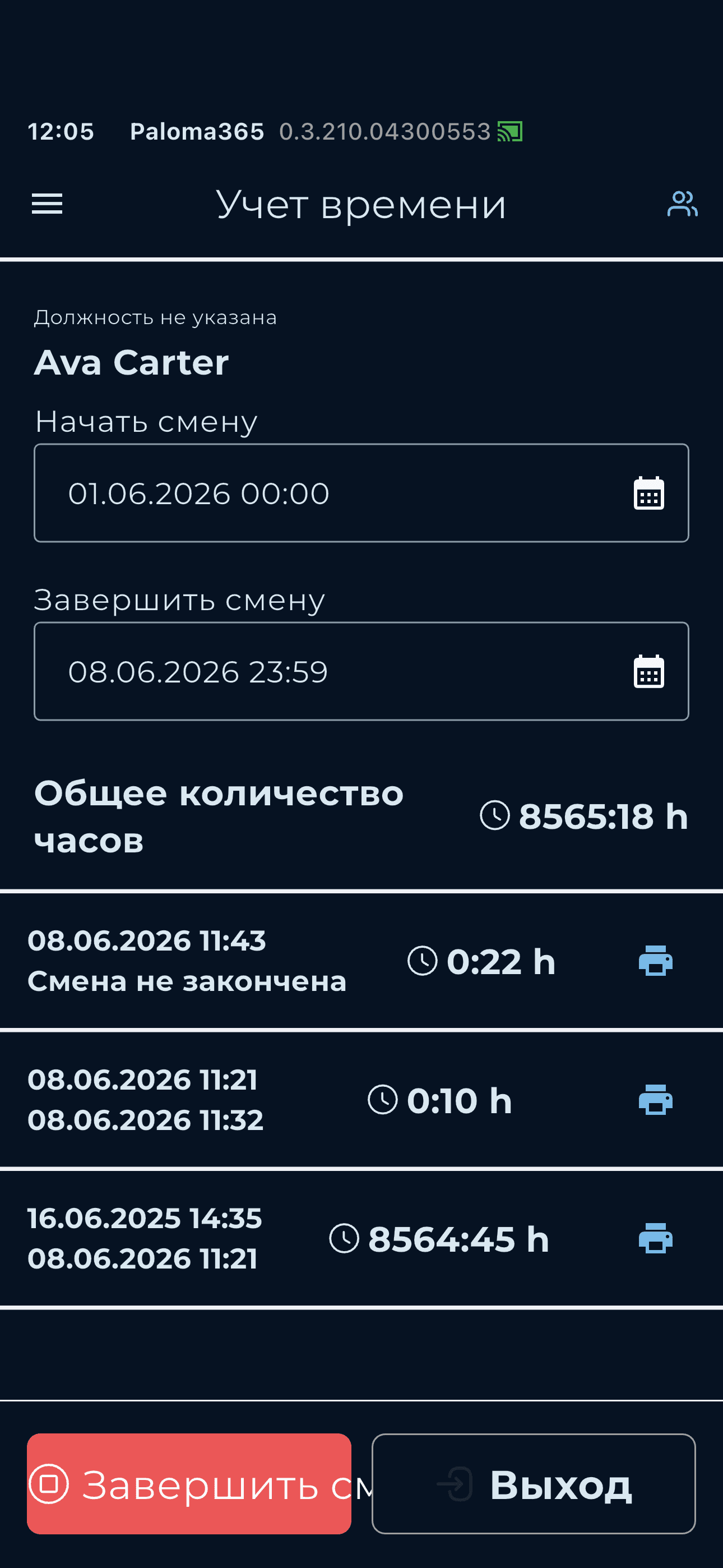
We migrate your data one-to-one during the switch — for free. Something of yours not covered here? Message us — we'll check it at launch.
Switching from a specific POS system, or need a POS, warehouse or pricing — here's where to look.
Moving from another POS or accounting program — data migration and training are free.
Learn more →Fast receipts, fiscalization, works even without internet — on any device.
Learn more →Stock, supplies, stock-taking and cost price — in one system with the POS.
Learn more →Open prices from $9/month: POS, inventory, analytics and modules with no hidden fees.
Learn more →