
Bank transfer for business
Pay by bank transfer
Top up your Paloma365 balance by wire transfer in KZT and pay subscription invoices from your account.
- Credit to your Paloma365 balance
- Auto-pay when balance is sufficient
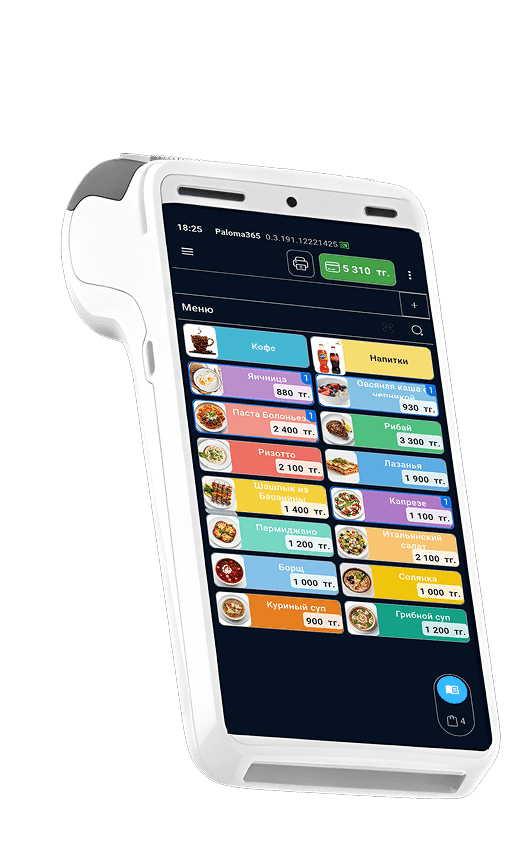
How to pay an invoice
A short sequence of actions in the system.
Open the invoice
In Paloma365, open the invoice issued for your subscription or services.
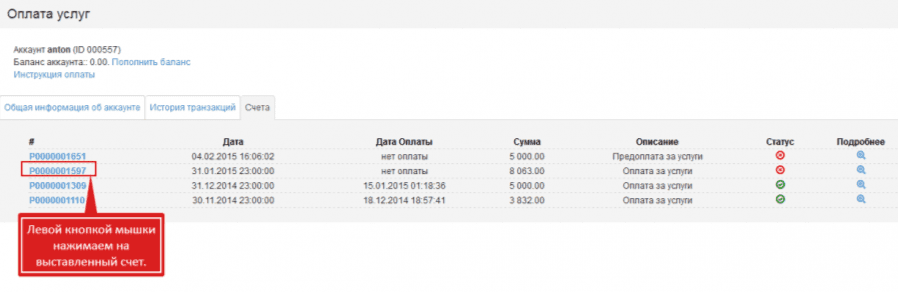
Choose payment
Go to payment: a form or bank transfer instructions will open depending on your scenario.
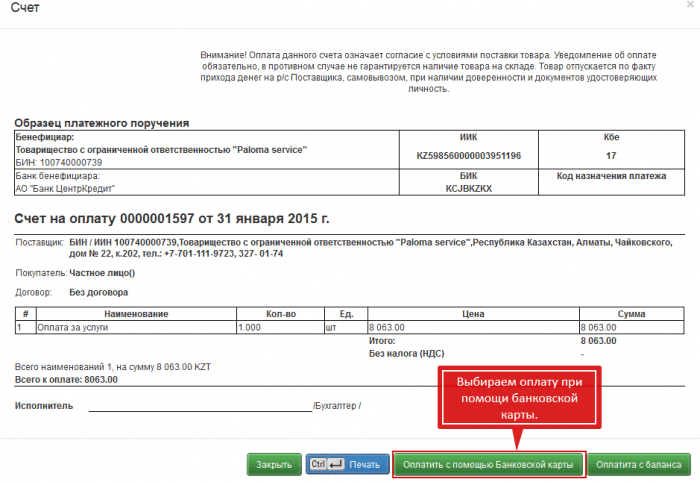
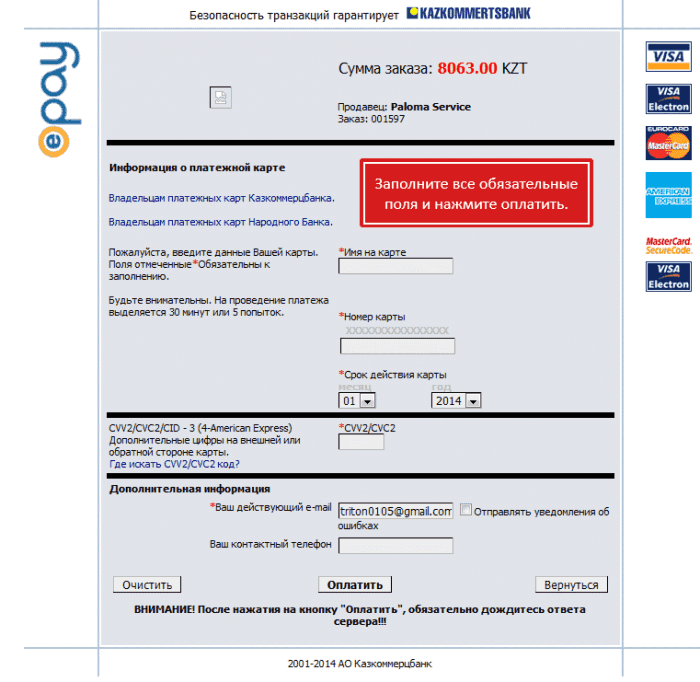
Confirm payment
Fill in the payment order (or bank form), check amount and purpose, and complete the transfer.
Balance and invoices
Three key points about paying your Paloma365 subscription by bank.
Credit to balance
After a wire payment, the full amount appears on your Paloma365 account balance — you see credits in your dashboard.
Subscription invoice
At month end the system issues an invoice to continue service. Pay it from your balance or via a separate wire using the details provided.
Automatic payment
If your balance is sufficient before the last day of the month, the issued invoice may be paid automatically — no manual confirmation.
Details in Kazakhstan
Payment in KZT
Use these details in your payment order when your manager or invoice directs payment to Paloma365 LLP in Kazakhstan. For large or international transfers, confirm fields with support.
All contacts and offices →- Beneficiary
- Paloma365 LLP
- BIN
- 160 940 016 674
- IIK
- KZ 368 562 203 101 410 984
- BIC
- KCJBKZKX
- Bank
- Bank CenterCredit JSC
- In the payment purpose, include contract number, invoice number, or company name — this speeds up matching to your account.
- Transfer in KZT. Posting time depends on the sender's bank — usually a few hours to 1–3 business days.
- Keep proof of payment until funds appear on your balance. If delayed, contact support with a copy of the payment order.
Alternatives
Other payment methods
If a bank transfer is inconvenient right now, choose an alternative — balance crediting works the same within the product.
All channels top up the same Paloma365 balance — subscriptions and invoices are paid from your account.