

















0 ₸ for hardware — runs on your ForteBank terminal
Official ForteBank partner
Start with Forte Bank — the right accounting approach with Paloma365
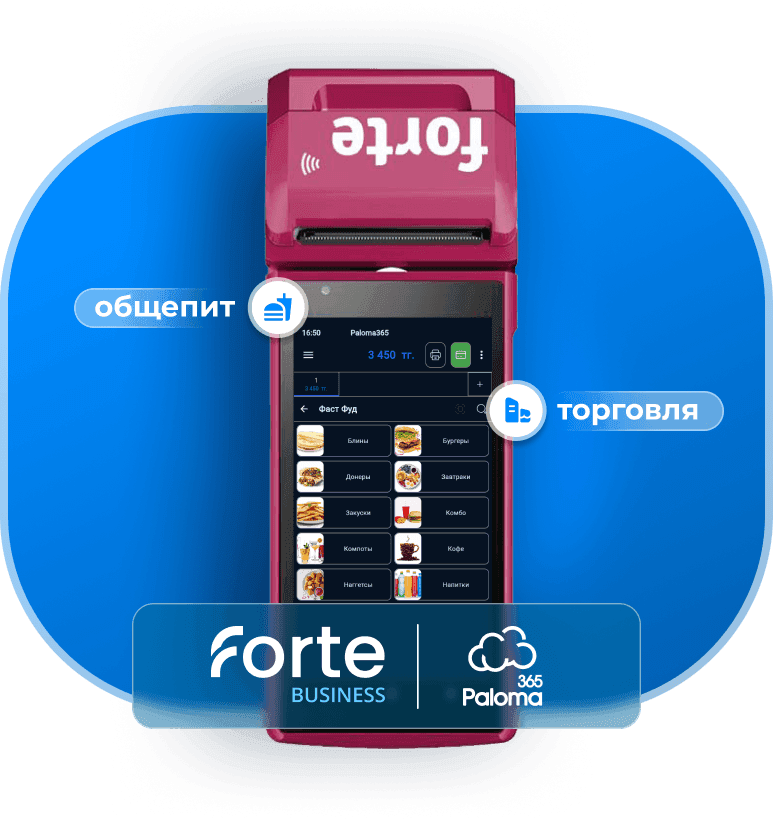
Paloma365 is a unique system: accounting automation right on your ForteBusiness bank terminal.
from 4,590 ₸/mo with annual billingmonthly from 5,400 ₸15 days free
- ✓Bank payment terminal
- ✓Sales and inventory
- ✓Offline POS and fiscal data
- ✓Core business services
- ✓National product catalog (NKT) integration
Trusted by
One terminal instead of three systems
On a single ForteBank device — before and after Paloma365
Before
With Paloma365
Terminal only accepts payments
Itemized receipt, stock deduction, revenue report, fiscal data / NKT
Checkout, accounting, and terminal are separate
Everything in one device
POS hardware for 180,000–300,000 ₸
0 ₸ — you already have the terminal
Why Paloma365
Go live in one day with free training
Kaspi payments, fiscal data (OFD), and NKT — compliant with Kazakhstan law
Support every day — phone and chat
Fits your business
Retail
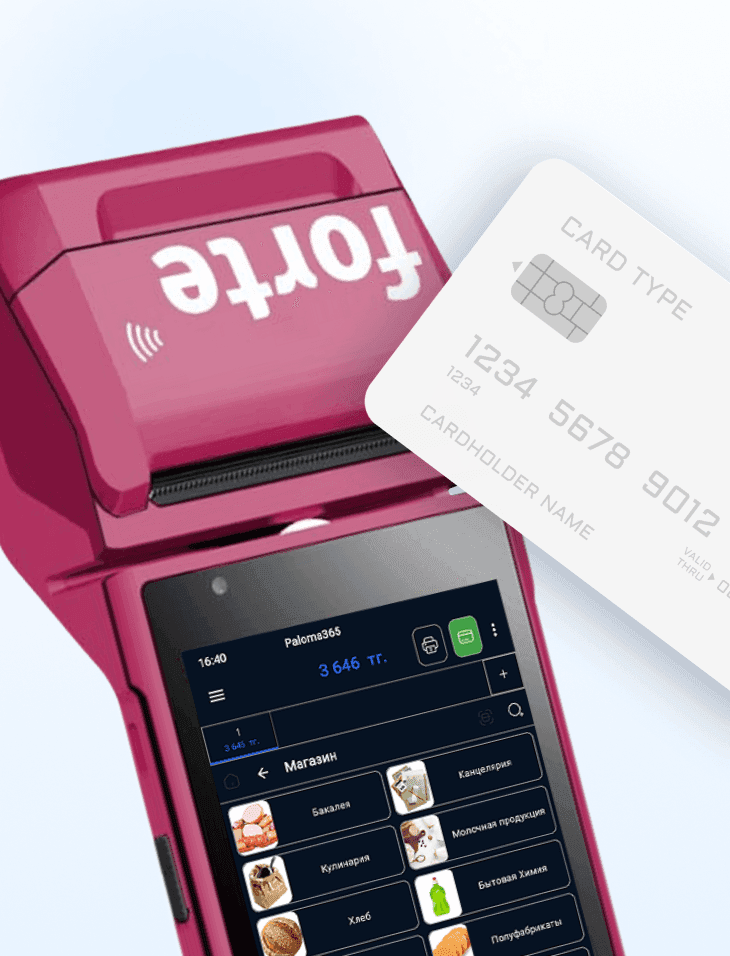
Sell from your bank terminal, track stock and purchases, revenue reports — no separate cash register or POS hardware.
Café
3,600 ₸/mo
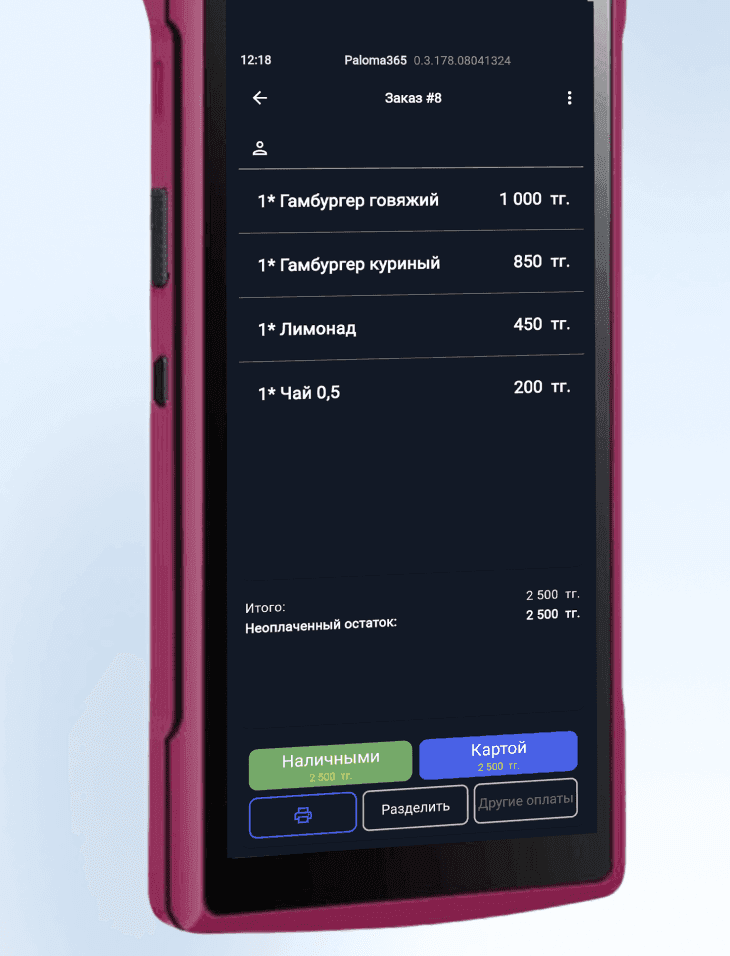
Take table orders, print receipts and accept payment on one device — no queue at the counter.
Services
Client bookings, payment and fiscal receipt on your bank terminal — all in one system.
Business tasks and solutions
Expensive automation
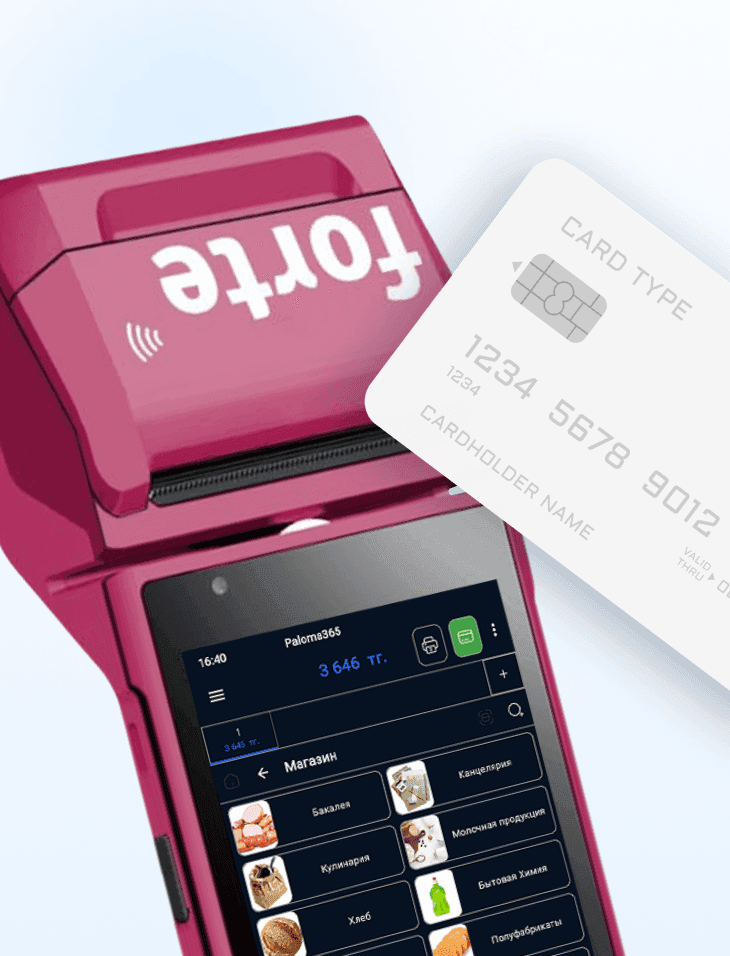
Automation on the bank terminal itself; from 5,400 ₸/month; free launch, training, and daily support from 8:00 to 01:00.
Human error
Fewer mistakes at checkout; purchase reminders; alerts for slow-moving and expired stock.
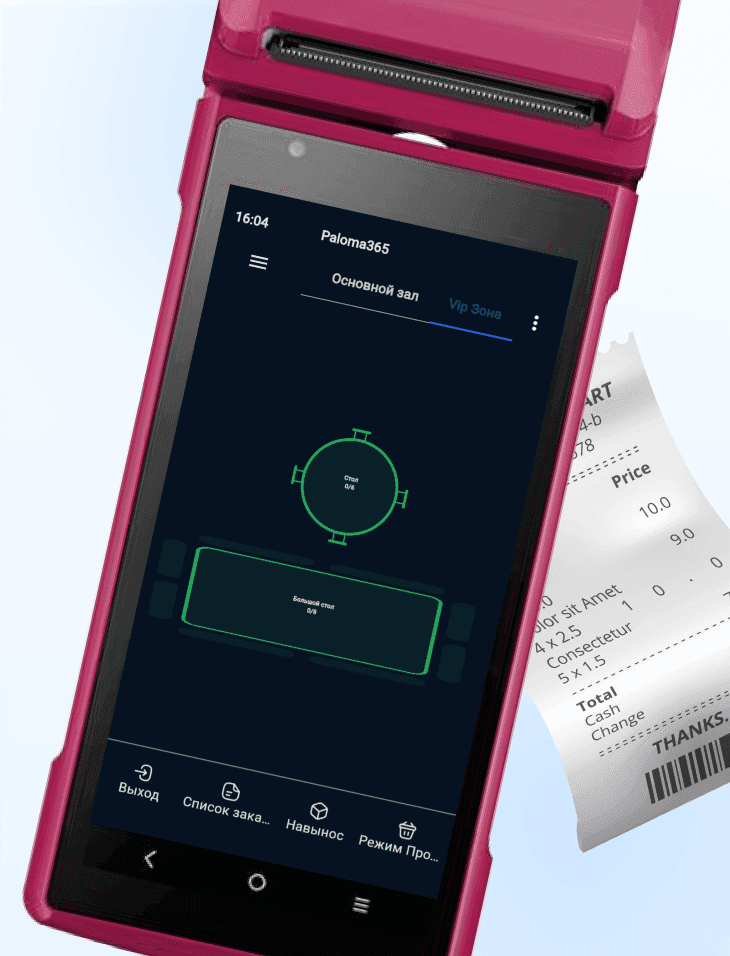
Slow service and queues
Faster checkout; transparent settlements; use the bank terminal as a mobile waiter.
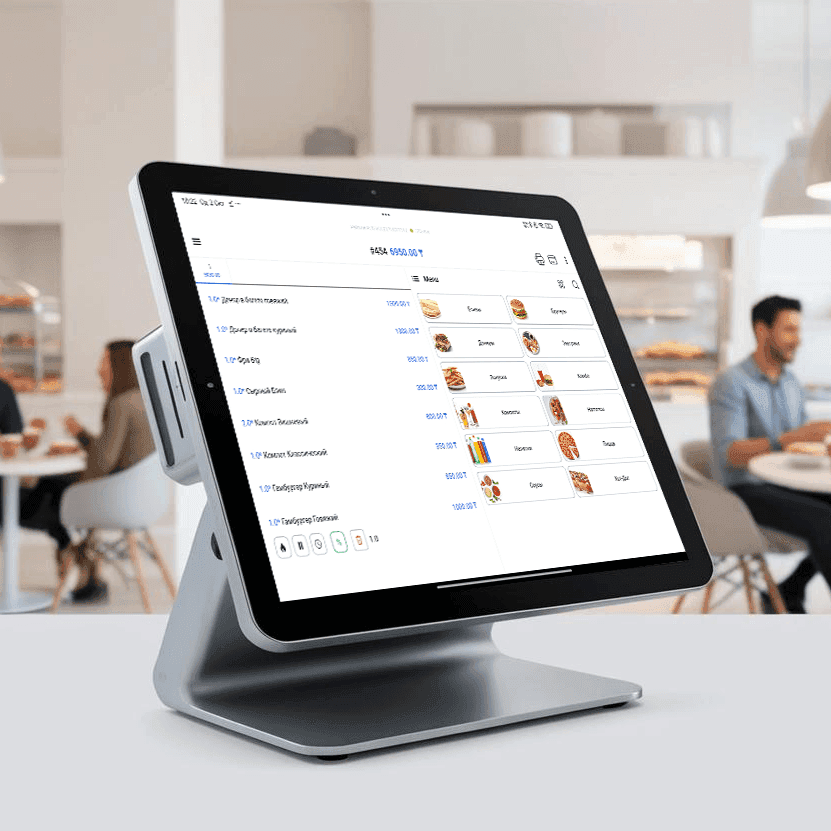
Long and difficult rollout
Intuitive UI; go live in one day; free training; support on weekends and holidays included.
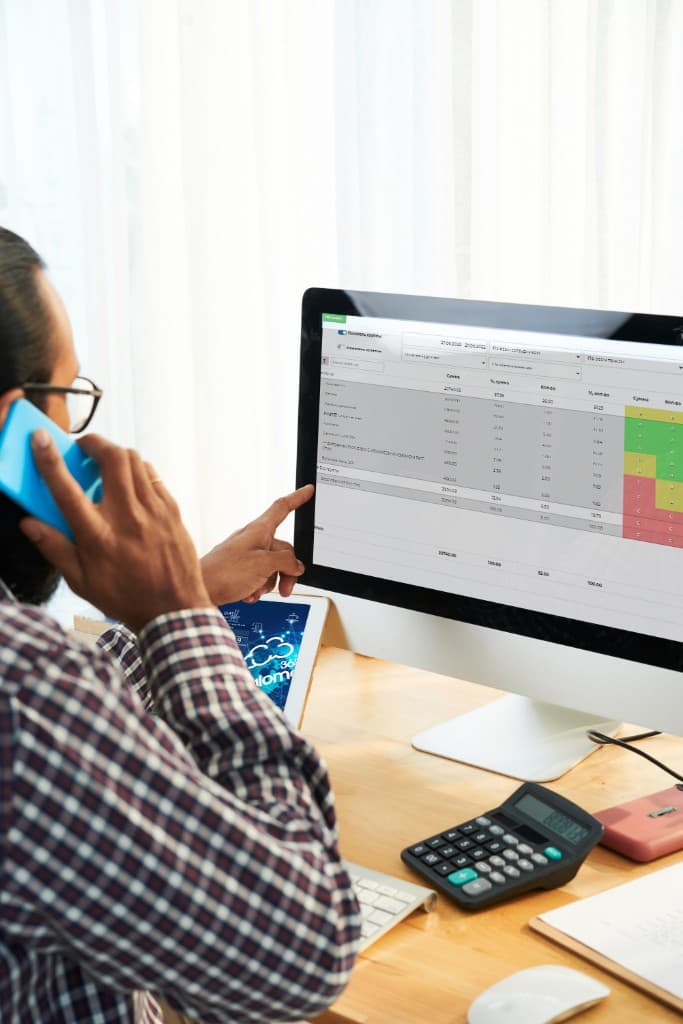
Hard to control remotely
Cloud reports; purchase price control; delegate tasks and onboard staff.
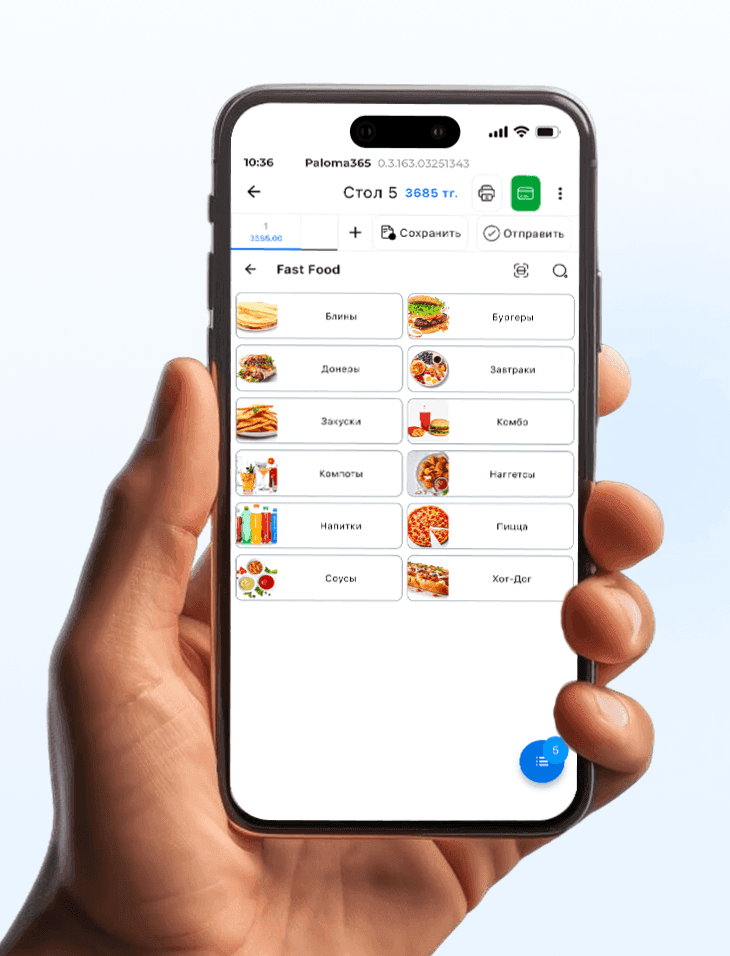
Costly hardware
Runs on phone, tablet, laptop, or all-in-one (Windows, Android, iOS)—use the devices you already have.
Use what works for you
01
Checkout on the ForteBusiness bank terminal
Add and sell items directly from the bank terminal.
02
POS on any device
If you already have hardware, the app runs on tablet, phone, laptop, POS all-in-one, Windows, Android, and iOS—all linked to the bank terminal.
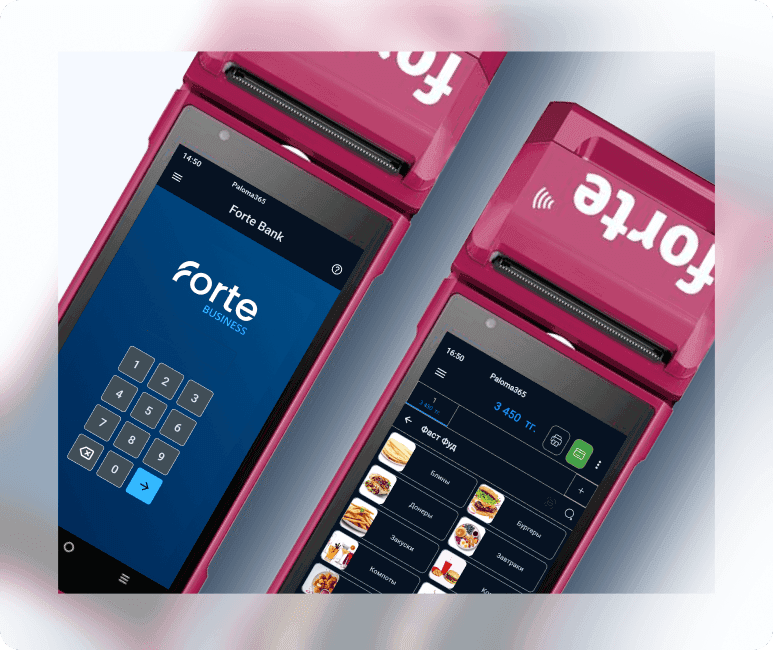
Online fiscalization
Online cash register that transmits fiscal receipts to the fiscal data operator (OFD) server in real time

Sell faster with no extra hardware costs!
You no longer need expensive equipment to automate sales. Just connect a barcode scanner to your bank terminal.
How does it work?
- You scan the product barcode.
- Data is sent to the terminal automatically.
- The customer pays by card or another convenient method.
Save on POS hardware, serve customers faster, and simplify sales accounting. Ideal for retail stores, cafés, kiosks, and small outlets.
Watch the video to see how it works in detail!
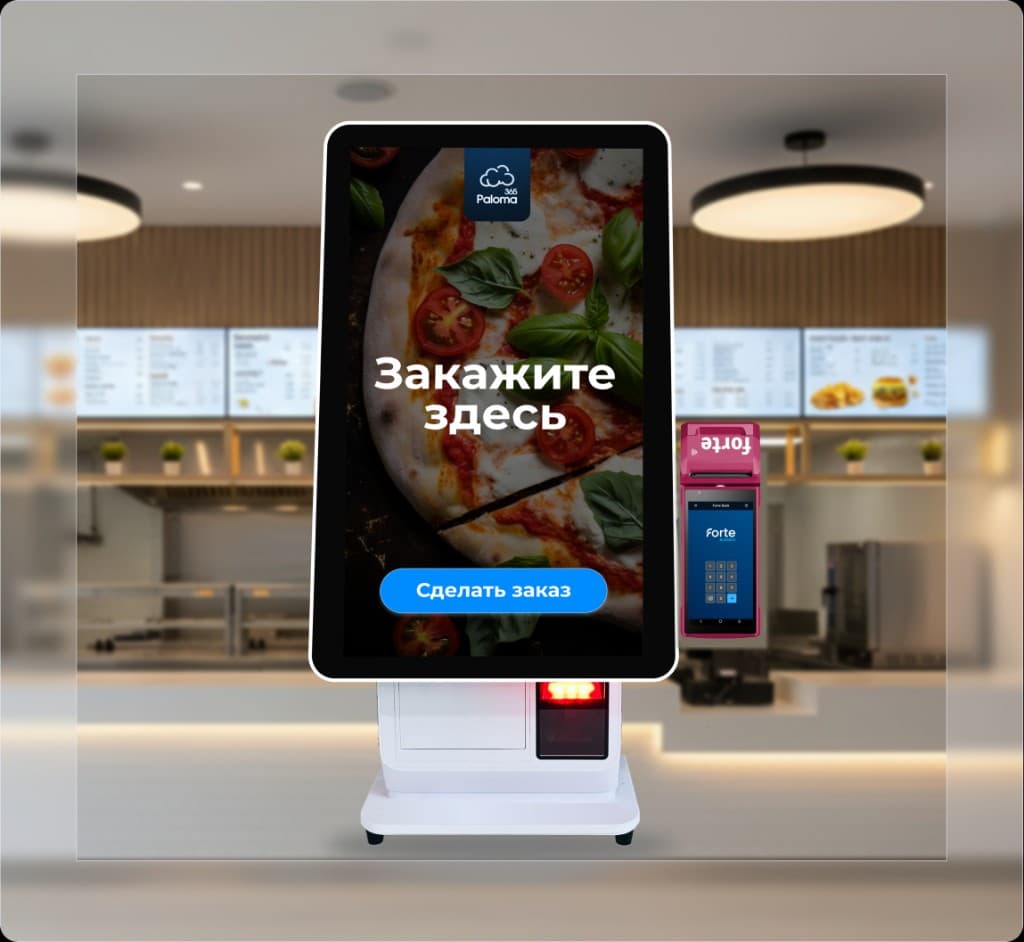
Self-service kiosk with ForteBusiness terminal
What does the kiosk give you?
Lower costs
Reduce staff workload so they can focus on other important tasks
Available 24/7
Offer round-the-clock service so customers can order anytime